How to save a video on iPhone with Safari
Download a compatible MP4 on iPhone and find it in Safari Downloads or the Files app.
Start with the public video link
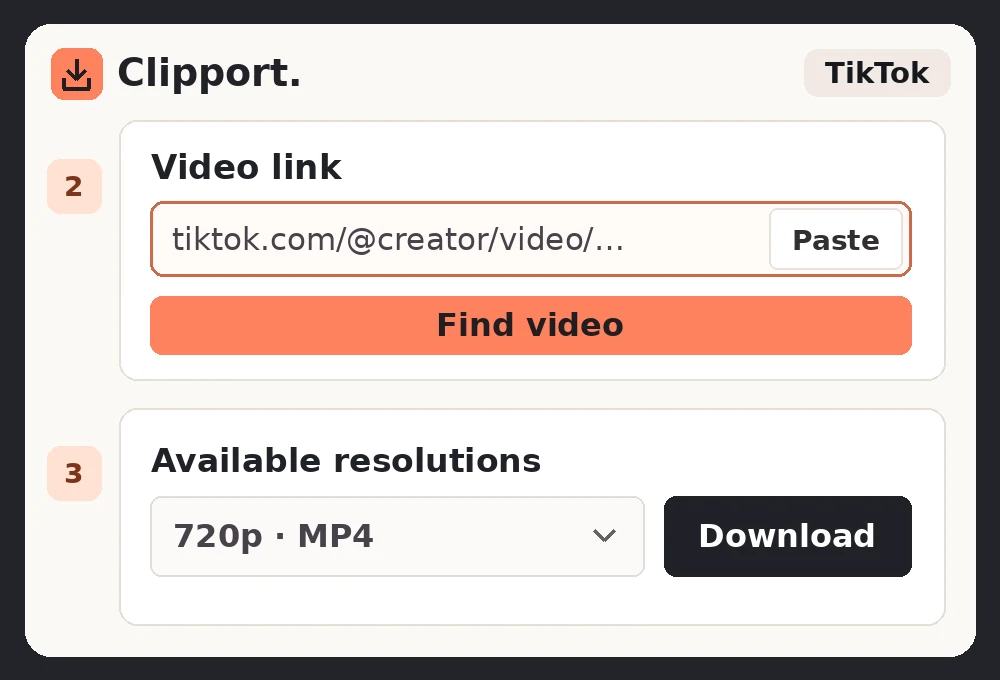
In your social app, copy the share link for the individual video. Open Safari, choose the matching Clipport downloader, and paste the link. Check that the result identifies the video you intended to save.
Save and find the MP4
Choose an available MP4. If Safari asks whether to download the file, confirm. Open Safari’s Downloads list or use the Files app and navigate to the Downloads folder. Safari’s download location can vary with your settings.
Play the file before moving it
Open the MP4 from Files to check picture and sound. Downloading in Safari saves a file. If your sharing menu offers Save Video and you want the file in Photos, use that option after verifying the downloaded file.