How to download a TikTok video without a watermark
Check the available public TikTok MP4 versions for a copy without the moving TikTok logo.
Open TikTok on ClipportFind an available playback version
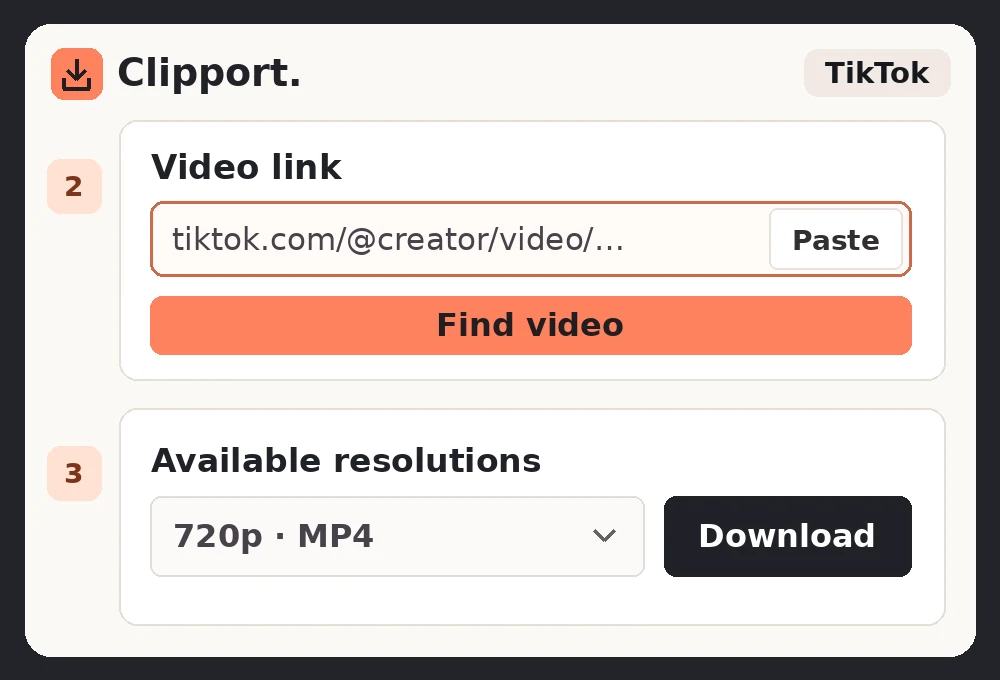
Open the individual TikTok video, copy its share link, and paste it into the Clipport TikTok downloader. Select Find video. Clipport checks the available playback files for a compatible MP4. A watermark-free copy depends on what TikTok exposes for that video.
Check where the logo appears
Play the downloaded file and scrub to the middle and end. The TikTok watermark can move between corners. A logo or username added during editing is part of the picture and will still appear in the MP4. Save the creator’s original export if you need a clean archival copy.
What to do when the link fails
Open the shared link in a private browser window and check whether the video plays. If a short link no longer resolves, copy the full address of the video. When Clipport shows several resolutions, compare the files if you need both a clean image and a particular size.