How to copy an X or Twitter video link that works
Find the post URL with the /status/ ID instead of a timeline, search page, or user profile.
Open X on ClipportOpen the post with the player
Expand the post that contains the video itself. In a quote or conversation, that can be a different post from the one you started on. Use the post’s sharing menu to copy its link.
Check the address before pasting
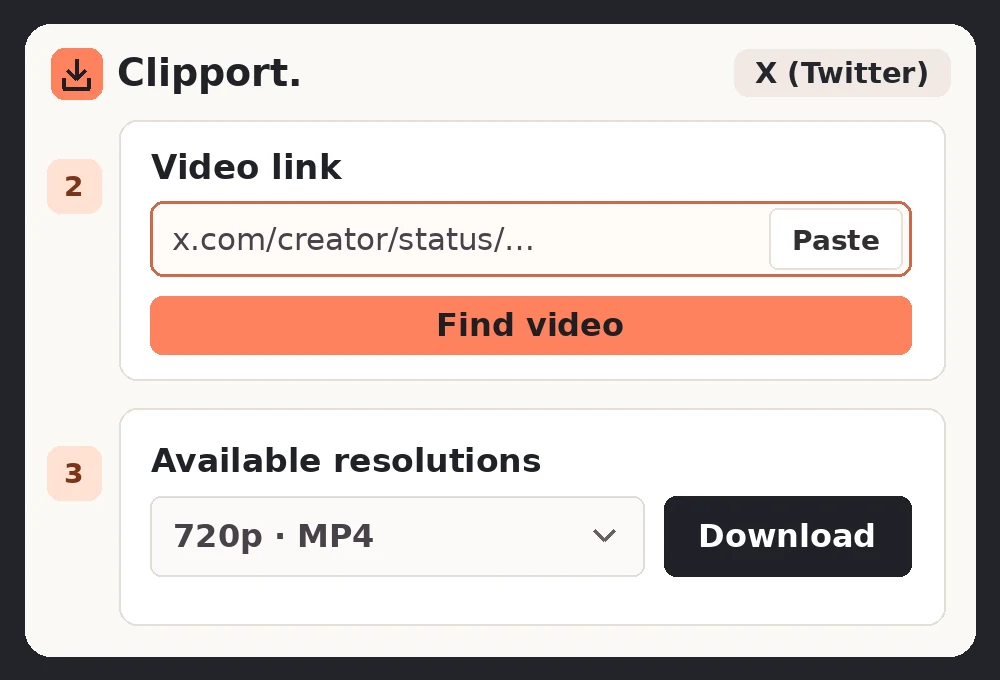
A post address commonly looks like x.com/account/status/123456789. Clipport also accepts corresponding twitter.com URLs. If you copied a profile page, open the player’s post again and take the address with /status/.
If the address is valid but the download fails
Open the post while signed out to see whether it is still public and includes a video. A protected account, deleted post, or post containing only a link to another site may fail. Use the original video platform when the X post only shares an external link.