How to download a Facebook Reel as MP4
Use the share link for a single public Facebook Reel to find an available MP4.
Open Facebook on ClipportOpen the Reel on its own
From a feed or a Page, open the Reel itself before copying the link. A public Reel link may contain /reel/ or be a Facebook share URL. Open it in a signed-out browser to verify it points to the same Reel.
Choose a version in Clipport
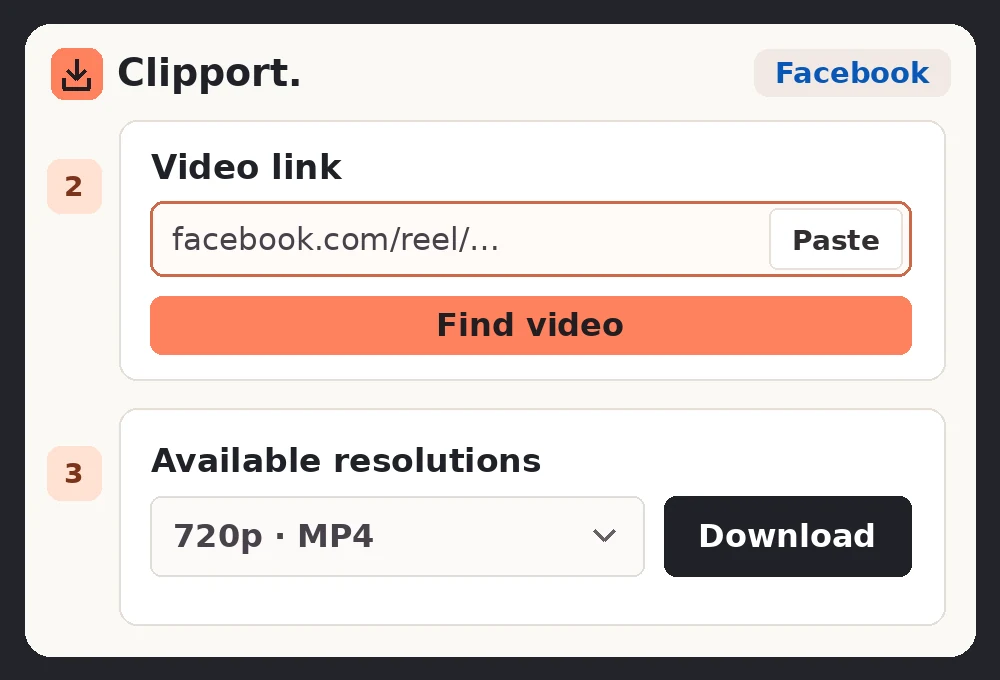
Paste the link in the Facebook downloader and select Find video. When an MP4 appears, choose a listed resolution and select Download. A vertical Reel can remain vertical in the saved file. The quality depends on the files Facebook exposes.
Check public access if the Reel does not appear
If the link opens a login prompt, an unavailable message, or the feed, return to the Reel and copy its share link again. For a restricted Reel, ask the publisher for a copy they can share.