Twitch Clip downloads in 1080p: H.264 or HEVC?
Choose a Twitch Clip rendition that fits your player, editing workflow, and desired resolution.
Open Twitch Clips on ClipportStart with the resolution and codec labels
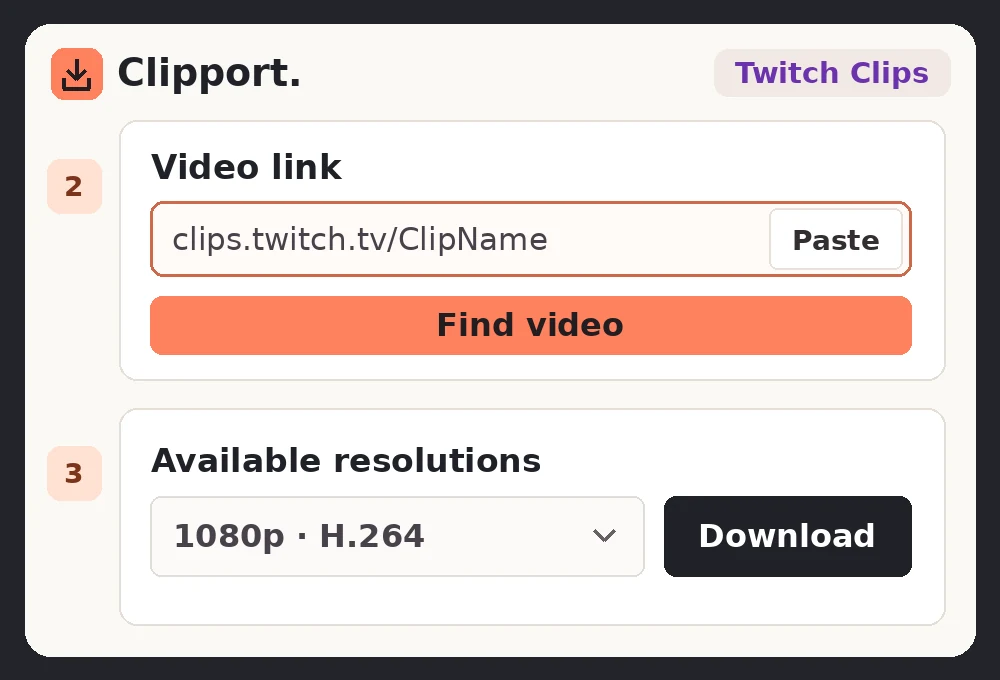
Use the link to a published Twitch Clip. After finding it in Clipport, read the resolution, orientation, and codec shown together. Choose 1080p H.264 when it is available and your priority is playback on a range of devices.
When an HEVC version makes sense
A clip may have a higher or vertical resolution in HEVC. If your intended player or editor handles HEVC, use that copy when it fits your project. If the file has sound but no picture, open the H.264 version or use a player that supports HEVC.
Compare the downloaded result
Check that the finished MP4 plays the entire clip and suits your screen orientation. The largest resolution in a menu may use a different codec, and a second clip can offer a different set of choices.