Download a Telegram channel video from a public t.me link
Identify a Telegram message URL that can provide a video in a public browser preview.
Open Telegram on ClipportCopy the message link with its number
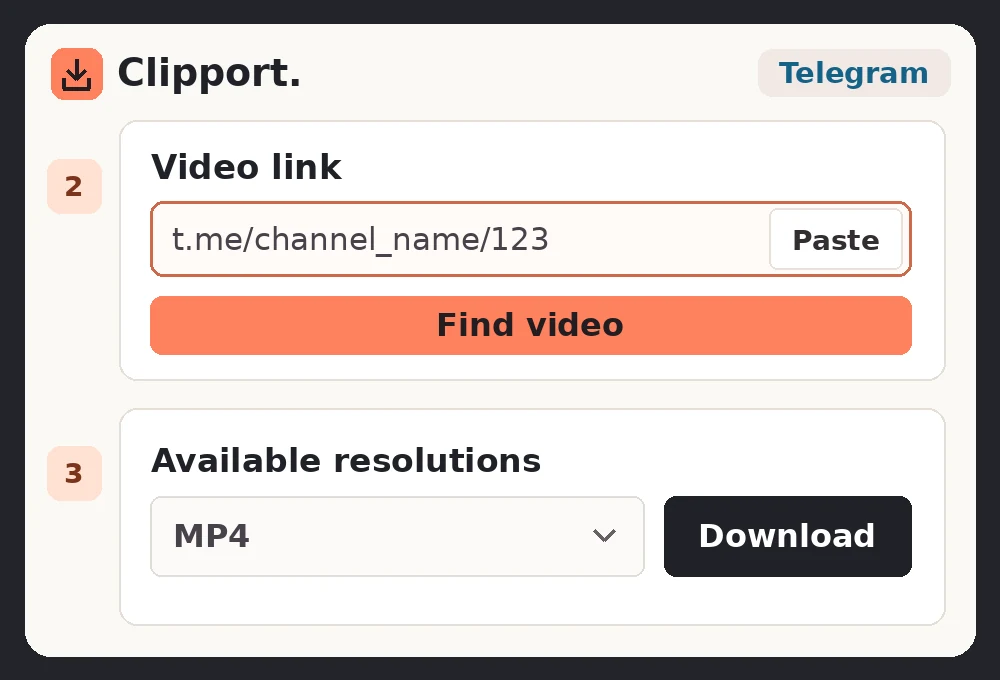
Open the menu on the exact message containing the video and copy its link. A typical public message URL looks like t.me/channel_name/123. The number identifies the message, and the channel name addresses the public channel.
Look for playback in the public preview
Open the URL in a browser before opening Telegram. If the public preview has a player, paste the message link into Clipport to check for an MP4. When the page only invites you to open the app, Clipport may not be able to access a video.
Identify invite and private links
An invitation gives access to a channel, not the public address of a specific video. Links such as t.me/c/... identify private channel posts. Use a public message URL or ask the sender to share a file they have permission to distribute.