Why a downloaded TikTok video has sound but no picture
Diagnose an audio-only TikTok MP4 and download a file that your player can display.
Open TikTok on ClipportCheck whether the file finished
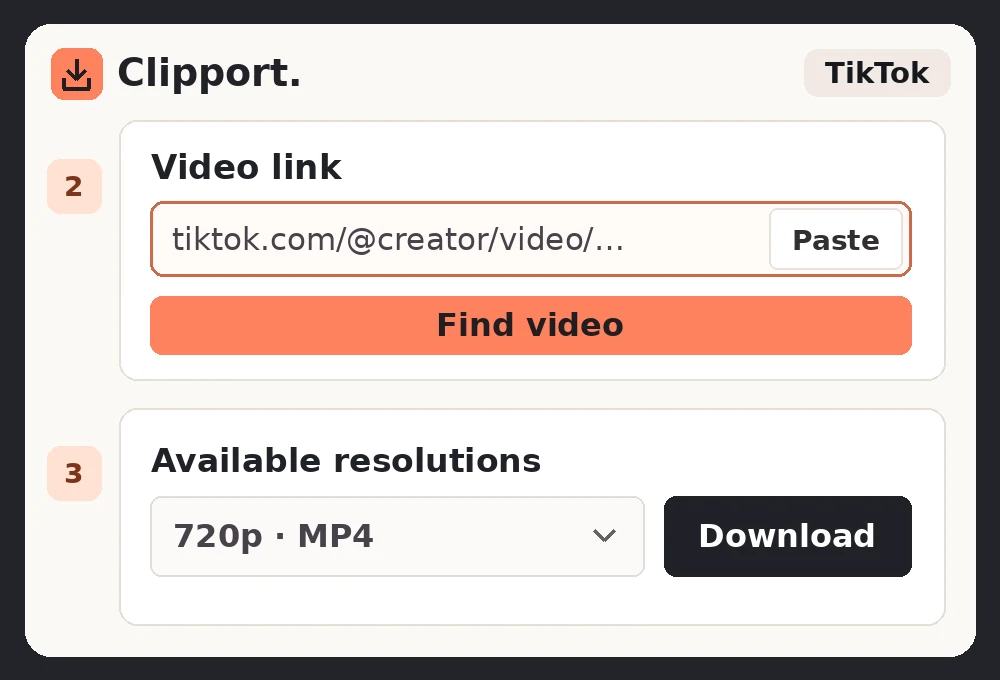
In the browser’s downloads list, verify the download completed. An interrupted file can open with some audio and no working picture. Find the TikTok video again in Clipport and download an available MP4.
Test the same file in another player
If the complete file plays in one app but not another, check the video codec in the player’s media information. MP4 is the container. An app can support its audio codec yet lack support for the video codec. H.264 is a practical choice when offered.
If both players show a blank frame
Check that the original video actually plays in the browser and compare a second available resolution. Check that you opened the .mp4 file from the Downloads list. If the original post can no longer be read, the download may have expired or the source may no longer be accessible.