How to download a video on Android as MP4
Save an MP4 in Chrome on Android and locate the file when the video leaves the browser.
Copy the video link and open Chrome
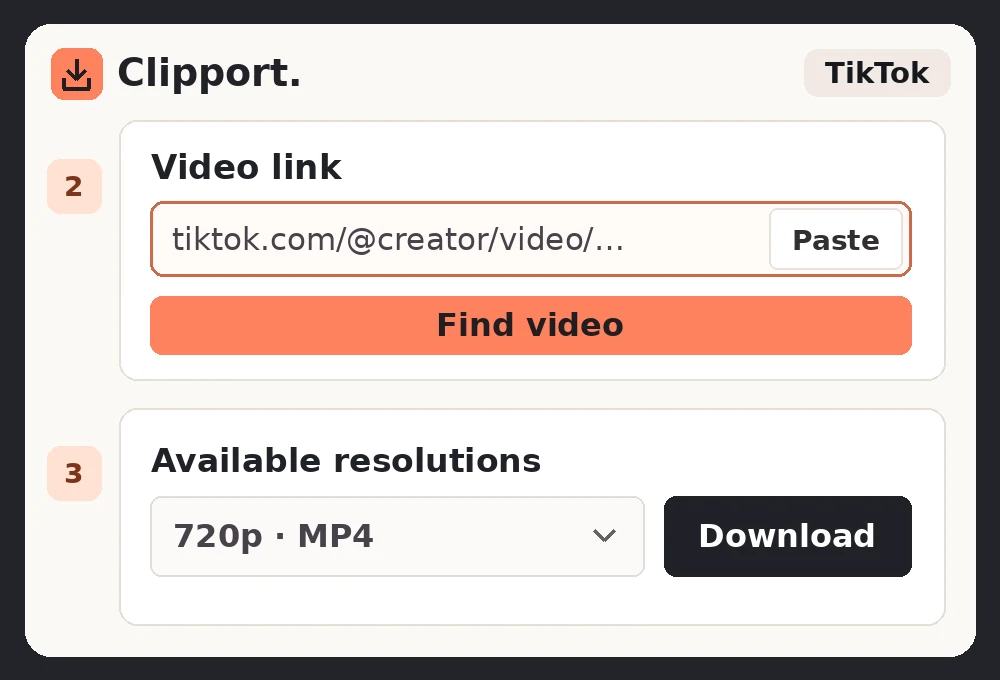
Use the original app’s share menu to copy the link to the individual video. Open Chrome, go to the matching Clipport platform, and paste it into the video link field. An in-app browser may have a different download interface.
Find the file in Downloads
Pick a version and tap Download. Check the Downloads section of Chrome for the completed file. A device’s file manager generally also provides a Downloads folder. Wait until the file finishes before trying to play it.
If the downloaded clip does not play
Check the file extension and try opening it again from Downloads. Choose an H.264 version if available and the first file has sound without a picture. To save storage, pick a smaller listed resolution before downloading again.