How to download a YouTube Short you uploaded
Open your Short in YouTube Studio and save the eligible upload as a video file.
Open YouTube & Shorts on ClipportCopy the link to your Short
Open the Short and copy its link. A Shorts URL may contain /shorts/ followed by the video ID. Clipport also recognizes the associated watch URL and youtu.be share link.
Open the upload in YouTube Studio
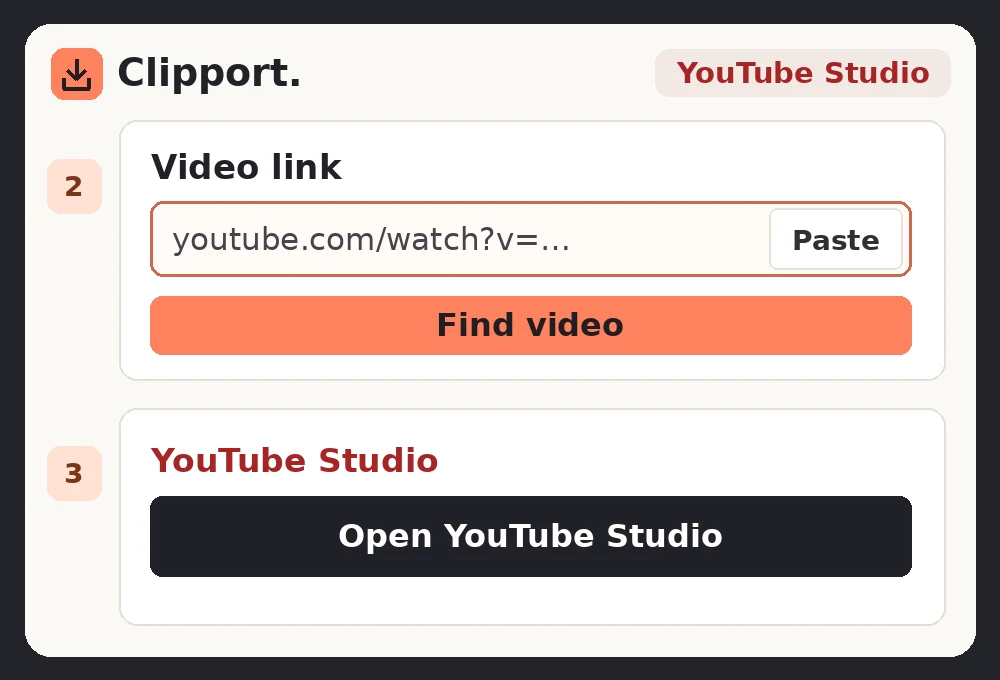
Paste the link into Clipport’s YouTube page and select Open YouTube Studio. Sign in with the channel that uploaded the Short. In Studio, open Content and look under Shorts if the file is listed in its own category.
Download from the upload’s menu
Use the menu on that individual video in Studio and choose Download when available. If the download is missing, verify that you are managing the right channel and check the upload’s eligibility. If you need the original quality for editing, look for your original local export.