Why a Facebook video or private group video will not download
Diagnose a Facebook download that fails because of the link format, post visibility, or missing MP4.
Open Facebook on ClipportSeparate visibility from a link problem
Open the video URL in a browser window where you are signed out. If you see a group join request or a sign-in screen, the post may be limited to members or friends. An account that can view a post in Facebook does not make the URL readable to a public downloader.
Copy the video instead of its surrounding page
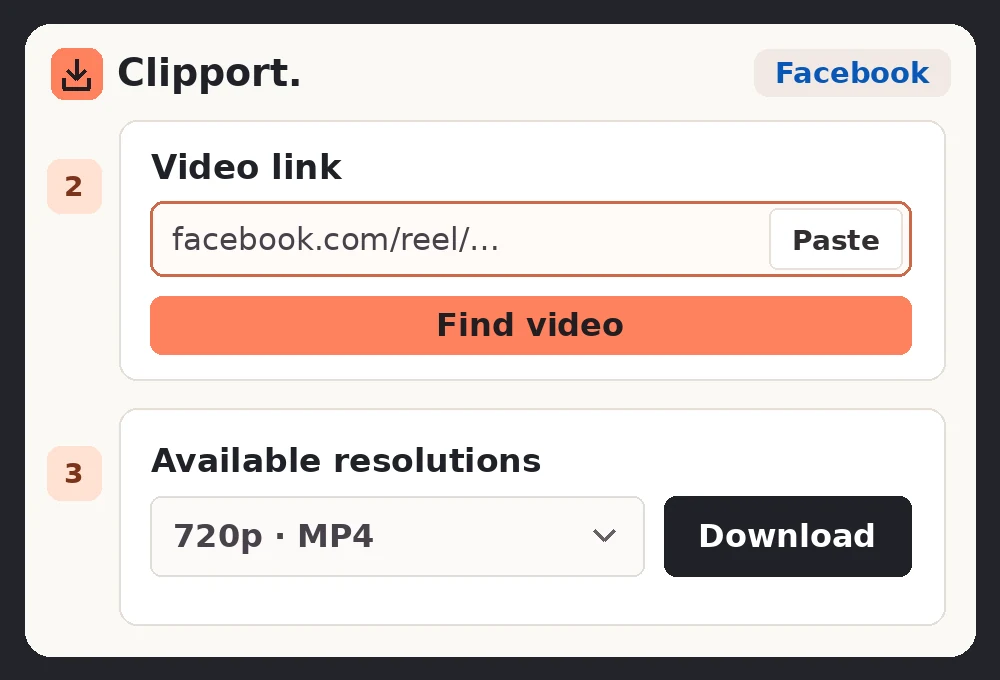
If the URL opens a group homepage, share feed, or profile, go back and open the post containing the actual player. Copy the new link and try it in Clipport. A valid public post can still lack an accessible MP4.
Request a shareable copy when needed
If you manage the video, use the original file. For another person’s restricted post, ask them for a video file or a share link they are allowed to provide. Changing a group’s visibility affects more than the individual video.