How to download an Instagram Reel from its share link
Copy the address of a public Reel and use Clipport to check whether an MP4 can be downloaded.
Open Instagram on ClipportUse the Reel address
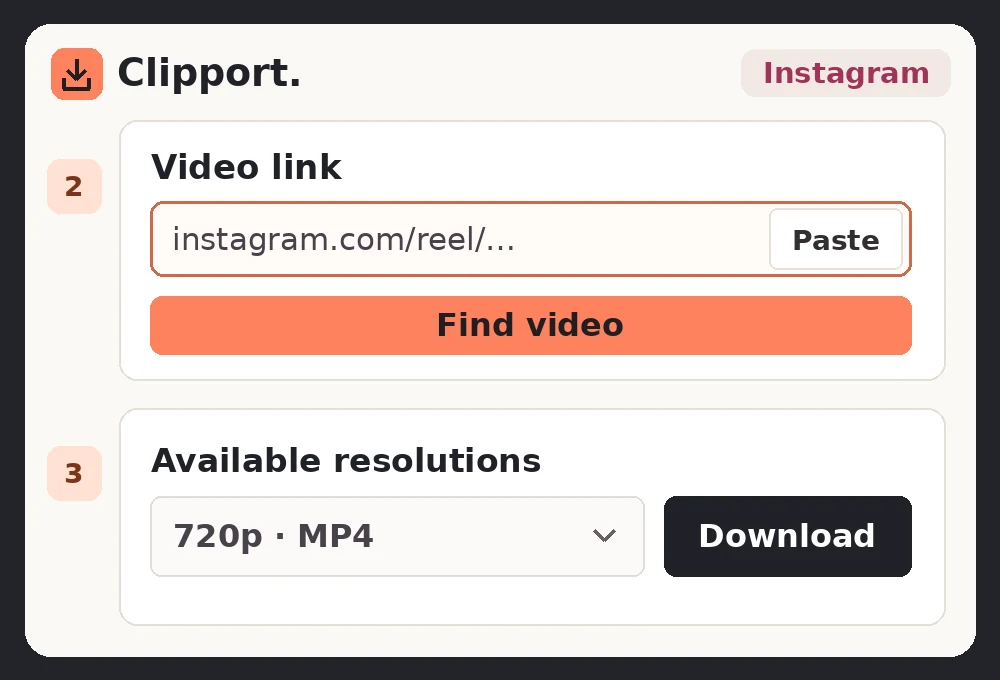
Open the Reel on its own and copy the link in its share menu. A web URL may look like instagram.com/reel/… or include the username before /reel/. Clipport recognizes both patterns. A profile link or a Reels-tab link does not point to a specific video.
Save the MP4 when a file appears
Paste the link into the Instagram downloader and select Find video. Pick a listed file and choose Download. When using the browser, check its Downloads list for the MP4.
If a link only shows a photo or restriction
Check that the copied post contains a playable video in a signed-out browser. When Instagram reports that the video is restricted by the platform, the download may be unavailable even if you saw the Reel while signed in.