How to download MP4 videos on a computer
Save a video from a public link, check its resolution, and find the file on Windows or Mac.
Work from the original video page
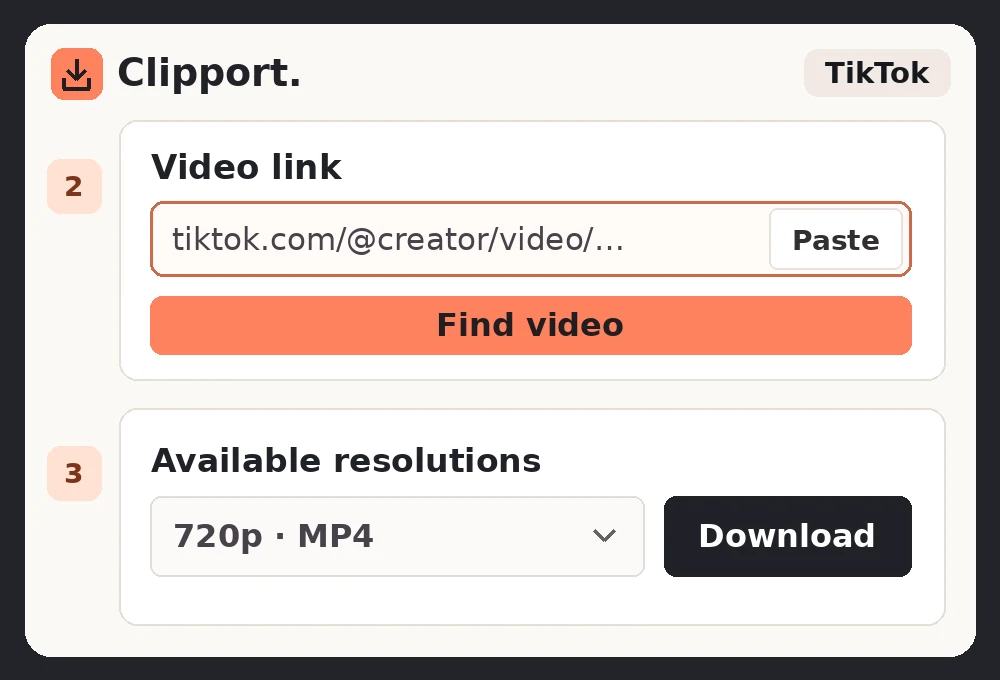
Open the post in a separate browser tab. Copy its share link or individual address and paste it into the matching Clipport downloader. For Vimeo or YouTube uploads, follow the platform’s download option if the result opens the original service.
Choose your resolution and locate the file
Choose a listed resolution or the original version where offered. The browser downloads list usually lets you open the completed file or reveal its folder. If asked for a file location, choose a folder you can return to.
Check playback and file details
Open the file, confirm both picture and sound, and check the dimensions in your media player. If a version plays audio only, check its codec and choose H.264 if available. Keep the source recording for projects where you need original detail.