Download a TikTok video in HD or 1080p
Find the highest compatible TikTok MP4 and understand how to tell which resolution you downloaded.
Open TikTok on ClipportChoose from the versions shown
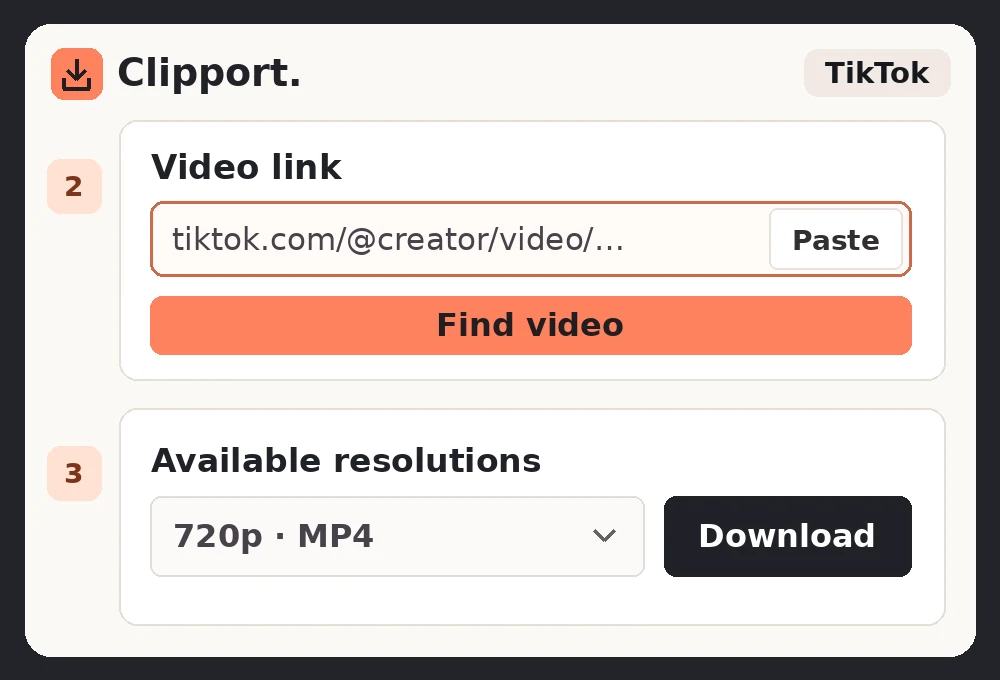
Copy the TikTok video link and select Find video on Clipport. If the list includes 1080p, choose it before downloading. Select 720p or another available size when 1080p is absent. An HD label describes resolution. It does not tell you how much the platform compressed the picture.
Read the dimensions of a vertical video
Playback software often lists a vertical Full HD file as 1080 × 1920 and a horizontal one as 1920 × 1080. Check the downloaded file’s information to confirm its dimensions. Choose a lower available resolution if you need a smaller file or slower connection.
Why a larger export can still look soft
Enlarging a file adds pixels without recovering source detail. If you own the upload and still have its original recording, use the recording for editing or archiving. The downloaded MP4 reflects the versions TikTok provides.