Fix “No downloadable video was found” for Instagram Reels
Check the Reel link, playback access, and platform restrictions when Clipport returns no Instagram MP4.
Open Instagram on ClipportVerify the URL and media type
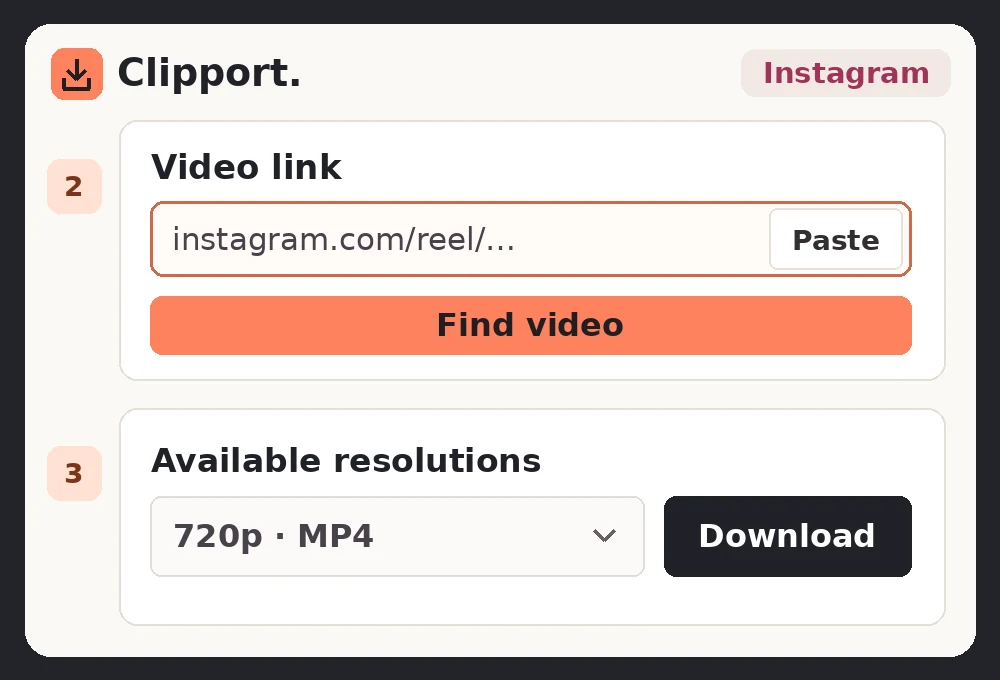
Copy the link from the Reel’s own share menu and open it in a browser. If it opens a profile or the Reels tab, copy the specific video address instead. A photo-only post will not have an MP4.
Check what Instagram exposes publicly
Open the same link while signed out. A login requirement, removal notice, or regional restriction can prevent public access. An accessible thumbnail or caption does not guarantee that Instagram will also deliver the video file.
Handle a copyright restriction separately
If Instagram marks a Reel as restricted for copyright, use the publisher’s permitted file or your original export. An updated link can fix an address issue, but it does not change the restriction placed on the content.