How to download a TikTok video
Use the share link of a public TikTok video to check which MP4 versions Clipport can download.
Open TikTok on ClipportSteps to follow
Copy the video link
Open the specific video, select Share, then select Copy link. A TikTok share link can be used as well as the address of the video page.
Example link formattiktok.com/@creator/video/…Paste and check the link
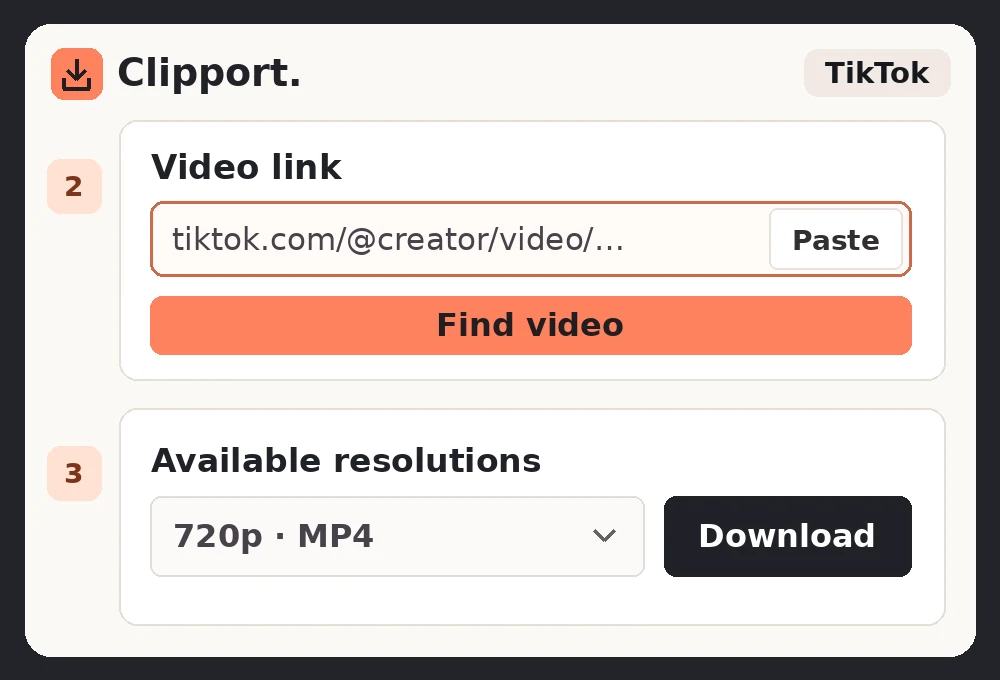
Open the TikTok downloader, paste the link into Video link, and select Find video.
Save the video
Choose an available resolution and click Download. Open the resulting MP4 to check that it has both picture and sound.
TikTok MP4 quality and watermarks
The resolutions in Clipport come from the available TikTok versions, so a 1080p download can only appear when there is a compatible 1080p file. If a version shows a logo, check whether the watermark is part of that file before choosing it. For an incomplete download, find the video again to refresh the file link.
Frequently asked questions
Can I save a TikTok video without the TikTok logo?
When TikTok supplies a compatible playback MP4 without a watermark, Clipport can save that version. A logo already embedded in the video remains visible.
Why is there sound but no picture?
Choose a compatible MP4 if available, then download it again. If the problem persists, try a current media player and check whether the full file finished downloading.