How to download a Vimeo video when downloads are enabled
Check a Vimeo video link for available download versions when the owner has enabled downloads.
Open Vimeo on ClipportSteps to follow
Copy the video link
Open the individual video on Vimeo and copy the address. If the shared link includes an unlisted access code, keep it in the URL.
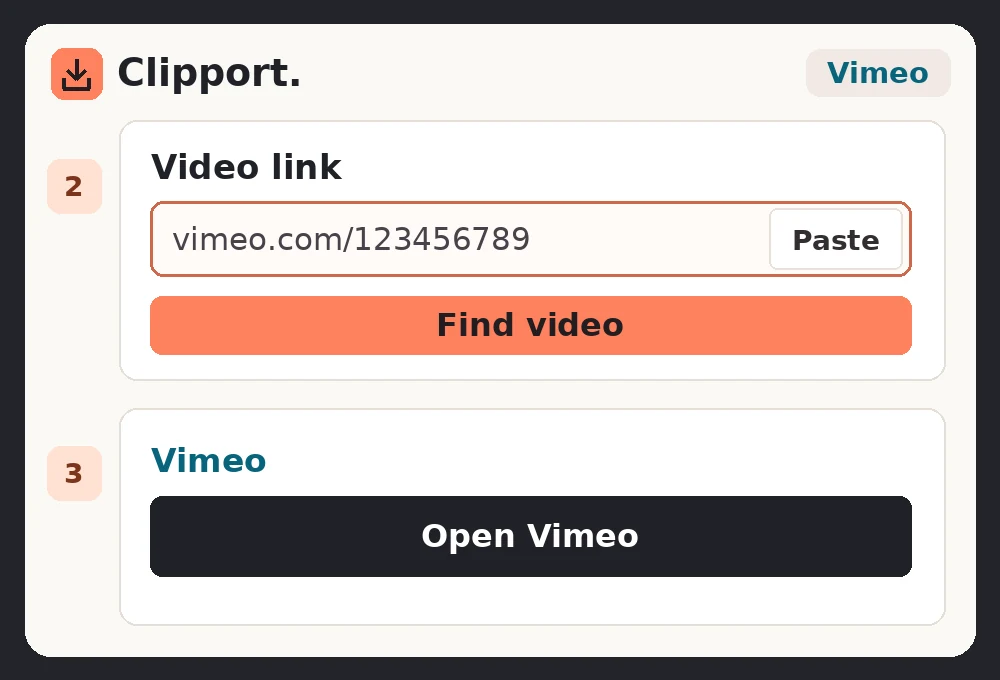
Example link formatvimeo.com/123456789Paste and check the link
Open the Vimeo downloader, paste the link into Video link, and select Find video.
Check your download options
Choose an MP4 if Clipport shows one. If the result says Open Vimeo, open the original page and use its Download button when available.
Check which resolution Vimeo offers
If the download list appears, pick the version suited to your screen and storage. A higher resolution usually means a larger file. If Clipport opens the original page, use Vimeo’s list of available files there. Some source files may require signing in to Vimeo.
Frequently asked questions
What if Vimeo has no Download button?
Check the original page on vimeo.com and sign in if Vimeo asks. The video owner can choose whether viewers may download the file.
Why does Clipport send me to Vimeo?
Clipport uses the original video page as a fallback when it cannot retrieve the download files. Vimeo may offer multiple sizes when the owner has enabled downloading.