How to download your YouTube videos and Shorts
Use Clipport to open your uploaded video in YouTube Studio, where the channel can download the file.
Open YouTube & Shorts on ClipportSteps to follow
Copy the video link
Copy your video link from a YouTube watch page, a Shorts page, or a youtu.be share link.
Example link formatyoutube.com/watch?v=…Paste and check the link
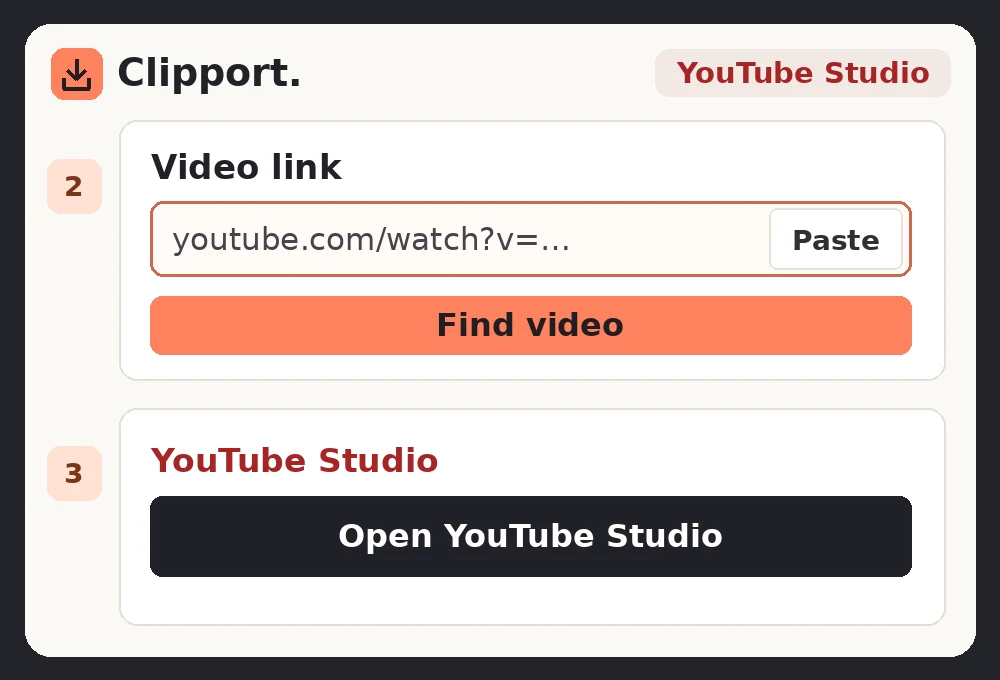
Open the YouTube & Shorts downloader, paste the link into Video link, and select Find video.
Check your download options
Click Open YouTube Studio and sign in to the channel that uploaded the video. In Content, open the video’s menu and select Download.
Find Download in YouTube Studio
If the option does not appear, check that Studio is using the channel that uploaded the video and that you opened the menu for that specific upload in Content. For a Short, use the entry under the Shorts tab when Studio shows separate content tabs.
Frequently asked questions
Can I use Clipport to export another channel’s YouTube video?
Clipport opens the YouTube Studio workflow for your uploads. Studio requires access to the channel that published the video.
What quality does YouTube Studio provide?
YouTube describes 720p or 360p MP4 downloads for eligible uploads, depending on the video. The Studio download menu determines the available file.