How to download a video from a Telegram channel
Copy the link to a specific public Telegram message that contains an embedded video.
Open Telegram on ClipportSteps to follow
Copy the video link
In a public channel, open the menu on the message containing the video and copy its link. A public post link ends with the numeric message ID.
Example link formatt.me/channel_name/123Paste and check the link
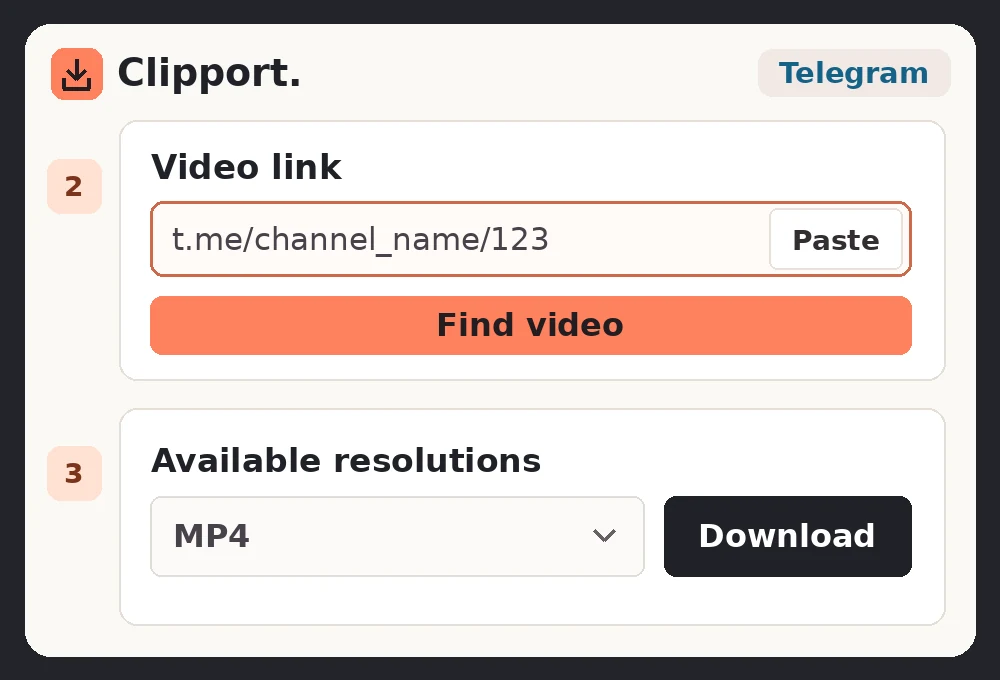
Open the Telegram downloader, paste the link into Video link, and select Find video.
Save the video
If Clipport finds an MP4 in the public preview, select it and click Download. The channel may expose only one version of the video.
Check whether the Telegram video is public
A public message link names the channel and ends with a message number. Open it in a browser and look for a video player in the web preview. If the link only offers to open Telegram, the public page may not expose a downloadable file.
Frequently asked questions
Which Telegram links work?
Use a public post link such as t.me/channel_name/123. Links to the channel homepage, private messages, and invitations do not identify a publicly viewable video post.
Why does the post open in Telegram but Clipport finds no file?
Check whether the post also plays in a public web preview. The public page may omit a video that you can see in your signed-in Telegram app.