How to download a Facebook video or Reel
Check a public Facebook Reel, video post, or shared video link for available MP4 files.
Open Facebook on ClipportSteps to follow
Copy the video link
Open the video or Reel itself. Use the share menu to copy its link, or copy the address from the video page in your browser.
Example link formatfacebook.com/reel/…Paste and check the link
Open the Facebook downloader, paste the link into Video link, and select Find video.
Save the video
Select one of the MP4 versions shown and click Download. A Facebook video may have a single available resolution.
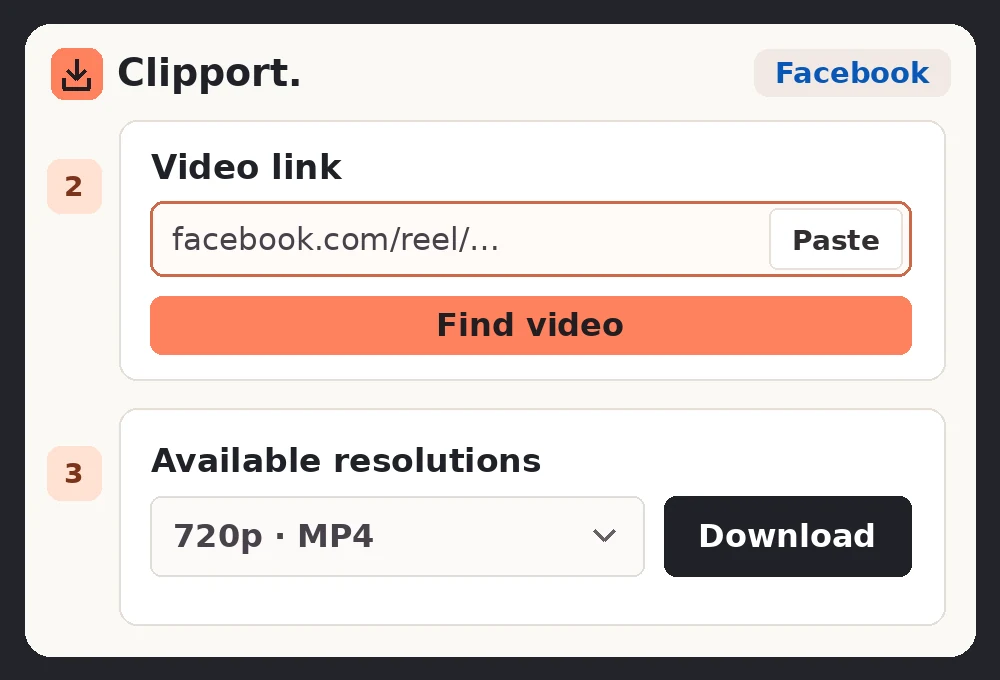
How to check a Facebook video link
Open the link in a signed-out browser window. A public video or Reel should be visible there without joining a group. If Facebook opens a feed, profile, or group homepage, return to the post, open the video itself, and copy its share link again.
Frequently asked questions
Why does a Facebook group video fail?
Clipport uses public video links. A private group, friends-only post, login requirement, or unavailable source can prevent access.
Can I choose HD for a Facebook Reel?
Choose the highest version visible in Clipport. Picture quality depends on the copies Facebook makes available for that link.