How to download a video from X (Twitter)
Use the address of a public X or Twitter post that contains a video to check for an MP4.
Open X on ClipportSteps to follow
Copy the video link
Open the post with the video. Choose Share and copy the post link. Both x.com and twitter.com post addresses work when the post can be read.
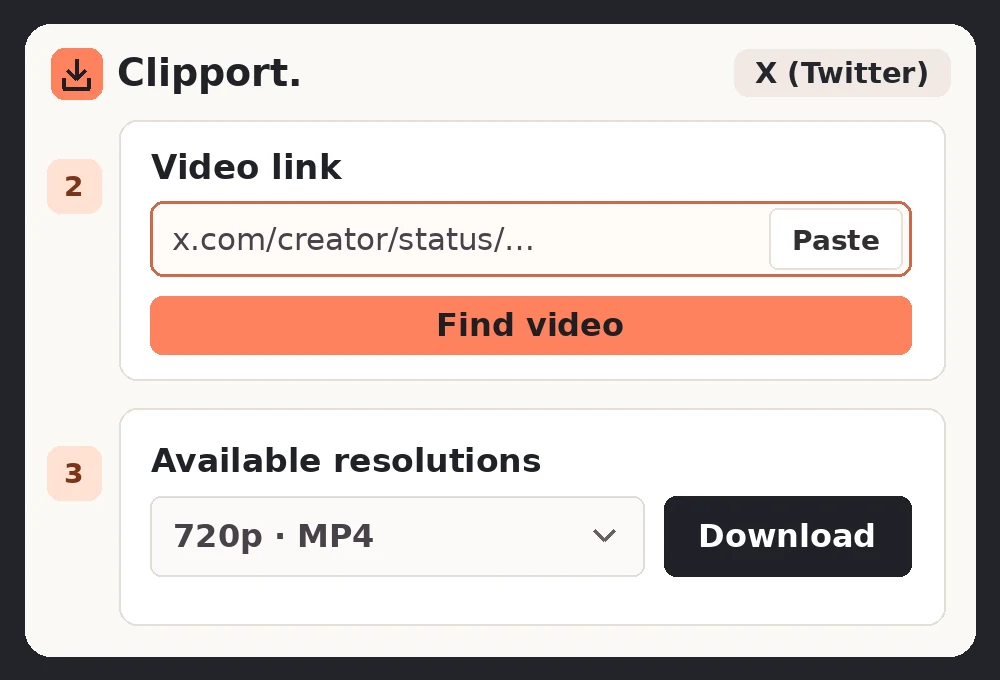
Example link formatx.com/creator/status/…Paste and check the link
Open the X downloader, paste the link into Video link, and select Find video.
Save the video
Pick an available resolution and click Download. You can reopen the original post from the result to confirm you copied the right video.
Use the X post URL for the video
A video can appear in a repost or as part of a conversation. Open the post that actually contains the player, copy the address with /status/, then check the source if the result title differs from what you expected.
Frequently asked questions
Why did a profile or timeline link fail?
Copy the specific post link containing /status/ and the post ID. A timeline can contain several posts and does not identify one video.
Can I save video from a protected X account?
The downloader needs a public post that X makes available. Posts from protected accounts require access on X.